01 / 10 CLI tool Developer tool

Every message, the AI decides how deep to think
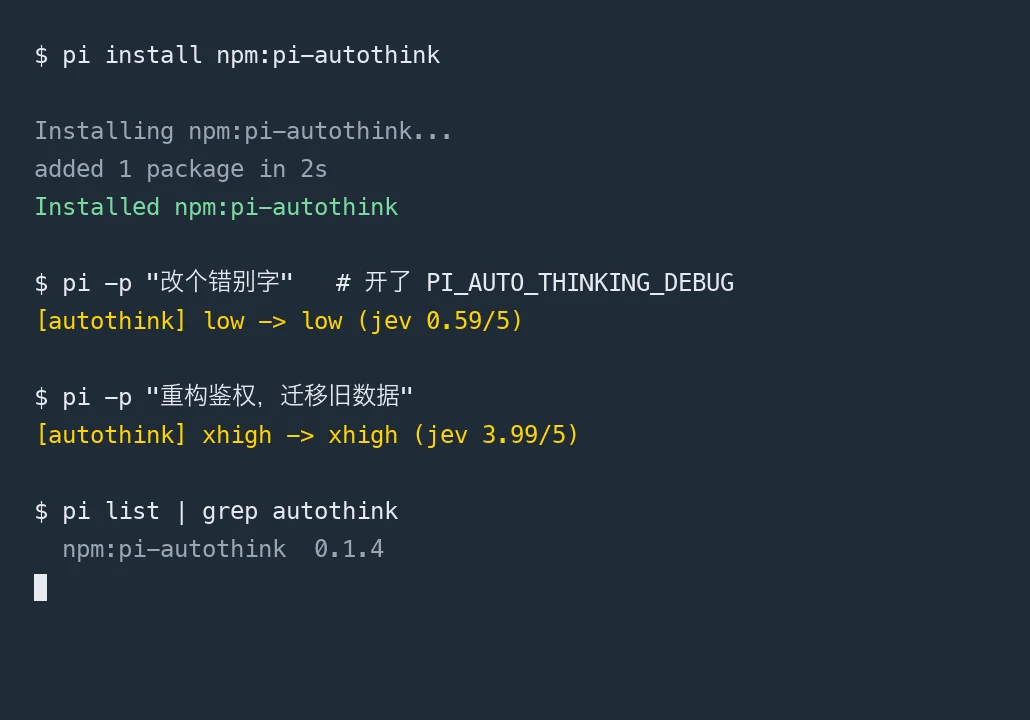
A single-file open-source extension for the Pi coding agent: each incoming message is scored 0–5 by TypeSafe JEV, then the active model thinking level is set to match. Same model, same context, only the level changes. Across 224 real messages collected over six days, 86% scored 2 or below.
In its own words · pi-autothink 是给 Pi 用的单文件开源扩展:每条消息先由一个分类器模型判断这件事需要多少思考(0–5 分),再把当前模型的思考档位调到对应那一档;模型不换,上下文不变,只换档位。
- For
- Developers who use Pi and are tired of flipping the thinking-level switch by hand
- Languages
- Chinese / English
- Model
- Open source · MIT license · Completely free